ThinkPad X200: CPU tunings, C-states and dracut optimization
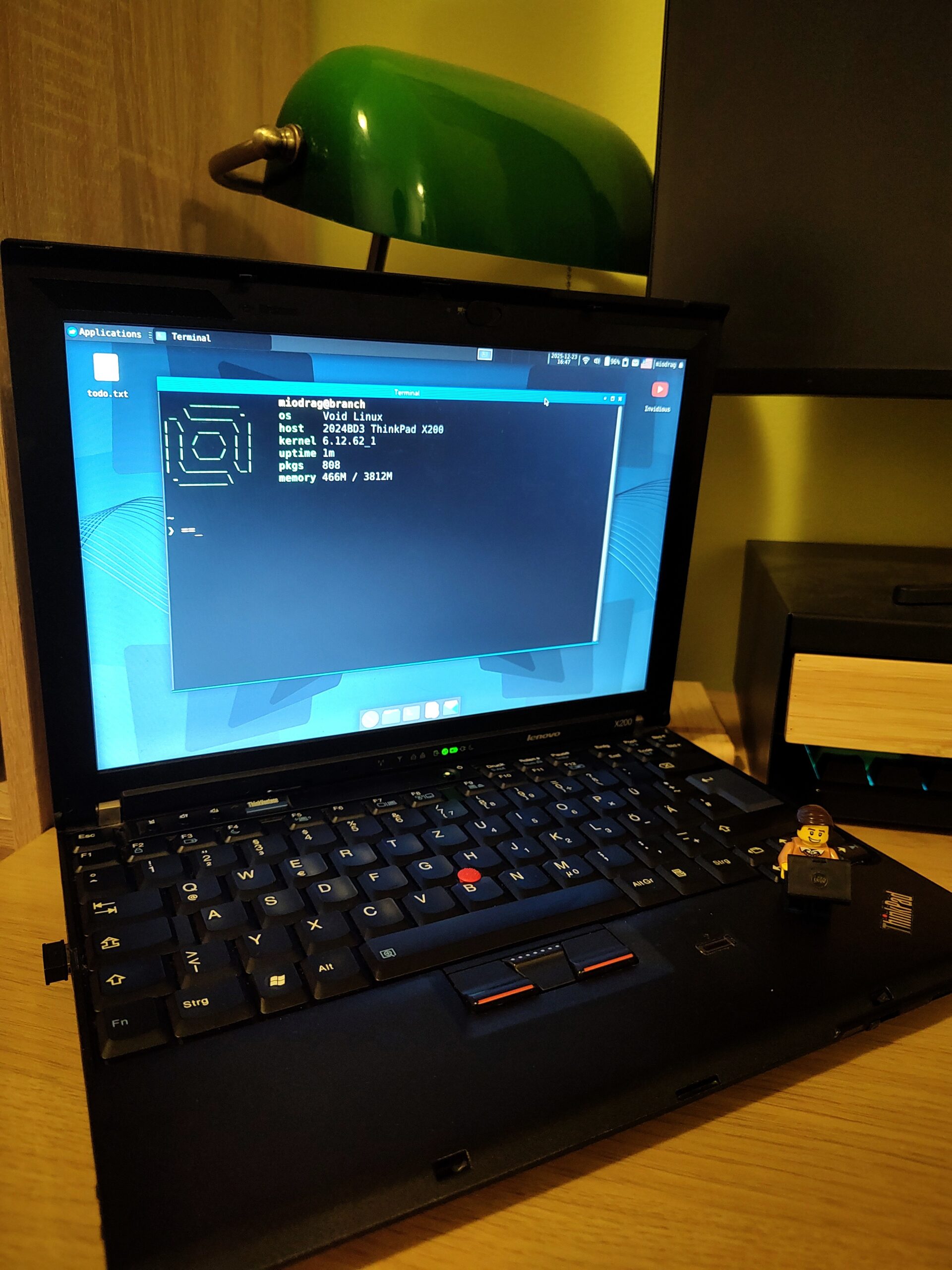
The ThinkPad X200 is an old laptop, but it’s still great for everyday use (within reason, of course) — especially with a lightweight and unobtrusive distribution like Void Linux. The hardware of X200 is simple, well-known, and straightforward, making it a great choice for manual optimization.
With a few tweaks to the settings, you can get the most out of the Core 2 Duo processor. You’ll have a faster boot, a more responsive system, and lower energy consumption, without any loss of stability.
CPU governor: schedutil instead of ondemand
The first thing I’d suggest adjusting is the CPU governor, since it directly affects how the processor responds to load.
On Void Linux, you’ll need to install cpupower first:
sudo xbps-install -S cpupower
Then, we set the governor to schedutil:
sudo cpupower frequency-set -g schedutil
An active governor can be checked like this:
cpupower frequency-info
This setup doesn’t require a reboot, so you can test different modes right away.
schedutil vs ondemand
on demand
It’s a classic governor that keeps an eye on the load and automatically increases the frequency if it needs to. It’s reliable, but it often reacts with a delay and works according to a simple “threshold” principle, meaning it only works when the CPU load measurement exceeds a predefined limit.
schedule
It’s a more modern approach that uses data directly from the Linux scheduler. The frequency is adjusted more precisely and faster, so the system works more fluidly — even on older CPUs like the Core 2 Duo.
In practice, schedutil gives a “lighter” feel, especially for shorter, frequent workloads (opening applications, switching windows, I/O).
C-states and cpuidle (ACPI)
C-states are basically the processor’s energy levels when it’s not doing much. The idea is simple: when the CPU has nothing to do, it goes into a deeper sleep state and uses less power.
The ThinkPad X200 has the following features:
- C1: the basic state of rest
- C2 is a deeper state that uses less energy.
These two states might seem a bit basic compared to today’s CPUs, but they’re actually enough to cut down on consumption when the system’s not doing much, without messing with how quickly it responds.
You can check the active CPU idle driver like this:
cat /sys/devices/system/cpu/cpu0/cpuidle/current_driver
This system uses ACPI_IDLE, which is standard for this generation of Intel processors and doesn’t require any extra settings.
Why change dracut at all?
Void Linux uses dracut to generate the initramfs — a minimal root filesystem that’s loaded before the real system. Its job is to get the hardware ready and make sure the kernel can mount the right root filesystem.
The problem is that the default dracut configuration is very general: it includes network modules, supports various storage configurations and such, but we’re not planning on using any virtual drivers or file systems on this hardware.
I wanted to go for a minimalistic approach to speed up the boot time:
- Host-only initramfs
Only what this laptop really needs goes into the initramfs.
- Removing unnecessary modules
Without network boot, RAID, LVM, encryption and virtualization.
- Fast compression
LZ4 decompresses significantly faster than gzip, which is clearly visible on an older CPU.
I created a special configuration file for this optimization at /etc/dracut.conf.d/x200.conf.
Here’s what it looks like in full:
# Generate initramfs only for this hardware
hostonly="yes"
hostonly_cmdline="yes"

# Do not include network modules
omit_dracutmodules+=" network ifcfg "

# Remove unnecessary storage and VM modules
omit_dracutmodules+=" lvm mdraid multipath crypt btrfs nfs iscsi cifs fcoe vmware "

# Uses fast compression
compress="lz4"

# Don't wait for devices that don't exist
rd.retry=0

# Minimal file systems
filesystems+=" ext4 "

# Do not add firmware that is not needed
omit_drivers+=" nouveau radeon amdgpu "
After changing the configuration, the initramfs is regenerated with the standard command:
sudo dracut -f
After applying CPU tuning and dracut optimization, the boot time dropped from about 42 to 27 seconds. This is especially noticeable during a cold start because the system reaches the login prompt faster and the whole process seems simpler and “cleaner”, without unnecessary pauses.
Leave a Reply